
Apple Maps Listing: How to Claim It and Why It Matters for iPhone Users
Apple Maps is the default map app on every iPhone, used by roughly half of US smartphone owners. Here's how to claim your listing on Apple Maps Connect, what to fill out, and why your Yelp presence affects what shows up.
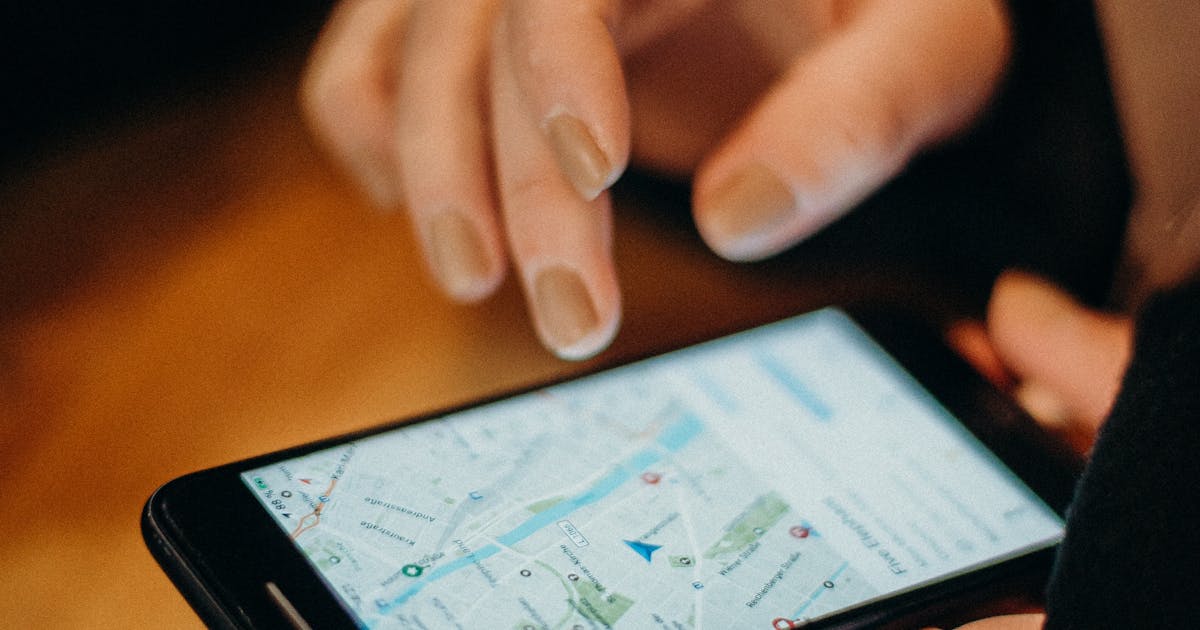
Most businesses spend all their local SEO effort on Google. That makes sense, Google owns the majority of search. But there's a meaningful slice of your potential customers who never see Google Maps at all when they're looking for a business nearby. They're using an iPhone.
The Reach Apple Maps Has
Apple Maps is the default navigation app on every iPhone, iPad, and Mac. It powers Siri location queries, Spotlight search results, and Apple CarPlay. According to various estimates, iPhones account for roughly 50% of US smartphones.
When an iPhone user asks Siri "find me a dentist near me" or taps the Maps app to look up a restaurant, they're not seeing Google results. They're seeing Apple Maps data. If your listing is unclaimed or incomplete, you're invisible to that search.
This is a separate traffic channel from Google, and most local businesses haven't touched it.
Apple Maps Connect: Where You Manage Your Listing
Apple's platform for business listings is called Apple Maps Connect. You can find it at mapsconnect.apple.com.
It's Apple's equivalent of Google Business Profile. Claim your listing here, fill out your information, and that data powers how your business appears across all Apple platforms.
How to Claim Your Listing
The process is straightforward:
1. Create or use an Apple ID. A personal Apple ID works fine. You don't need a business account.
2. Go to mapsconnect.apple.com. Sign in, then search for your business name and address.
3. Claim the existing record or create a new one. Apple Maps usually already has a basic listing pulled from other sources. If yours shows up, claim it. If not, add it manually.
4. Verify via phone. Apple will call the phone number on the listing with a verification code. This takes a few minutes.
5. Complete the listing. Once verified, fill out every field.
Total time investment: 20-30 minutes.
What Fields to Complete
Don't leave anything blank. The fields that matter most:
- Business name: match it exactly to what's on your website and Google listing
- Address: formatted consistently with your other citations
- Phone number: same format across all platforms (see the NAP consistency guide)
- Hours: including holidays and special hours
- Website URL
- Business category: choose the most specific one available
- Photos: at minimum, your storefront exterior and interior
If your name, address, or phone number differs between Apple Maps and your other listings, that inconsistency chips away at your citation signals across the board.
The Yelp Connection
Apple Maps does not have its own review system. Instead, it pulls reviews from Yelp by default. For restaurants, hotels, and travel businesses, it also pulls from TripAdvisor.
This means when an iPhone user finds your business on Apple Maps, the rating they see is your Yelp rating. A strong Yelp presence directly improves how your Apple Maps listing looks, even if you never log into Apple Maps Connect again.
If you haven't claimed your Yelp listing or haven't paid attention to Yelp reviews in years, this is a reason to revisit it. Apple Maps is essentially a front end for Yelp data for many business types.
The Siri Angle
When an iPhone user asks Siri a local search query, Siri pulls from Apple Maps. An unclaimed or incomplete listing means Siri may not recommend your business, or may show outdated information.
"Find me a plumber near me," "best Thai food nearby," "urgent care open now", all of these route through Apple Maps data. Completing your listing is the minimum requirement to show up at all.
Where Apple Gets Its Data
For businesses that haven't claimed their listing, Apple Maps pulls data from multiple sources. The most significant one is Bing Places. If you haven't claimed your Apple Maps listing, the information showing up there may be sourced from your Bing Places listing, which itself pulls from the broader Bing index.
Claiming directly in Apple Maps Connect overrides those third-party sources. You control the data instead of hoping it was pulled correctly.
Worth the 30 Minutes
Apple Maps isn't going to replace Google for most businesses. But it's a legitimate local search channel with zero competition from a "how many businesses have optimized this" standpoint. Your competitors almost certainly haven't done this.
Claim the listing, fill it out completely, keep hours current, and let Yelp do the review work for you.
If you want to see the full picture of where your business shows up (and where it doesn't) across search platforms, start with a free audit.
Related: Bing Places for Business | Local Citation Building | NAP Consistency | AI Citation Guide
Charles Lau
Founder, Formula Won Labs
Charles Lau is the founder of Formula Won Labs, an AI visibility infrastructure company that helps local businesses rank on Google Maps and get recommended by AI platforms. He works with home service companies, med spas, dental practices, and other local businesses across the US.