
How to Create a Google Business Profile (Step-by-Step)
A complete walkthrough for setting up your Google Business Profile correctly the first time, from verification to filling out every field that affects your local ranking.
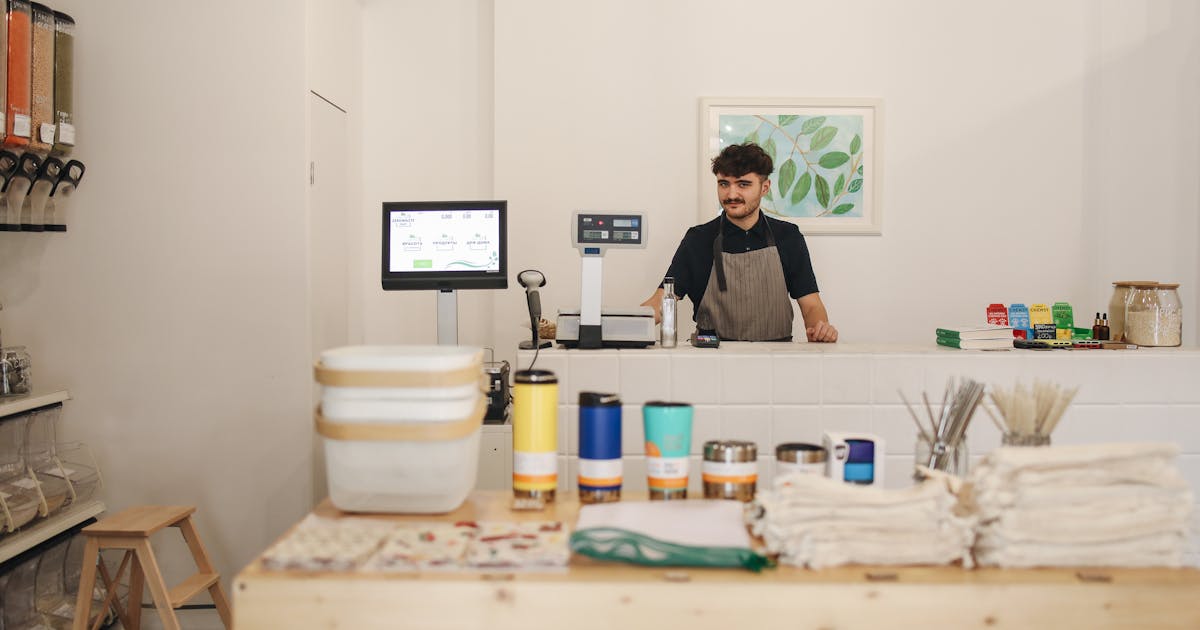
Your Google Business Profile (GBP) is what shows up when someone searches your business name or finds you in Google Maps. It controls your visibility in local search results, and it's free. Setting it up correctly from day one matters more than most business owners realize.
Here's the full process.
Before You Start
You need two things:
- A Google account (personal or business, either works)
- A real business location or a defined service area
If your business has a physical address customers visit, you'll add that address. If you go to customers (plumber, mobile dog groomer, home inspector), you'll define a service area by city, county, or radius instead.
Step-by-Step: Creating Your Profile
1. Go to business.google.com and sign in.
2. Click "Add your business to Google."
3. Enter your business name. Google will check for existing listings as you type. If yours appears, claim it rather than creating a new one. Duplicates cause real problems.
4. Choose your primary category. This is the most important field in your entire profile. Be specific. "Italian Restaurant" outperforms "Restaurant." "Emergency Plumber" outperforms "Plumber" if that's your core service. You can add secondary categories later, but Google weights the primary category heavily for which searches you're eligible to appear in.
5. Add your location or service area. If you have a storefront, enter the exact address. Use the same format you use on your website and everywhere else online. If you're service-area based, skip the address and define your coverage area.
6. Add your phone number and website URL. Use a local phone number if you have one. Tracking numbers are fine if they forward to your main line.
7. Click Finish. Google will prompt you to verify.
Verification Methods
- Postcard (most common):: Google mails a card with a 5-digit code to your business address. Takes 5-14 days. Don't make any changes to your name, address, or category while waiting, or Google may restart the clock.
- Video verification:: Record a short video showing your business location, signage, and equipment. Reviewed by Google, usually within a few days.
- Phone or email:: Available for some business types. Fastest option when offered.
- Instant verification:: Available if your website domain is already verified in Google Search Console under the same account.
After Verification: Fill Everything Out
This is where most businesses stop too early. A verified but incomplete profile ranks below a verified, complete one.
Go back into your profile and fill out:
- Hours: (including special hours for holidays)
- Description: (750 characters, focus on what you do and where, no keyword stuffing)
- Services or products: with descriptions and prices where applicable
- Photos: (exterior, interior, team, work samples, minimum 10, updated regularly)
- Attributes: (woman-owned, wheelchair accessible, outdoor seating, whatever applies)
Each completed field adds ranking signals. Each blank field is a missed opportunity.
Common Mistakes to Avoid
Wrong primary category. The most common and costly error. Don't pick a broad category when a specific one exists.
Address mismatch. Your GBP address should match your website, your Yelp listing, your legal filings. "Suite 200" vs "Ste 200" isn't a disaster, but inconsistency across the web weakens your location signals.
No photos. Profiles with photos get significantly more direction requests and website clicks than those without.
Skipping service area definition. If you serve customers beyond your immediate address, define your service area. Without it, Google may only show you to people in your immediate neighborhood.
How Long Until You Rank?
Newly created and verified profiles can start appearing in Google Maps results within 2-4 weeks. Showing up in the competitive local pack (the top 3 map results in regular search) takes longer. It depends on your category, location, review count, and how consistently you use the profile.
Posting updates, collecting reviews, and answering questions all accelerate that timeline. The businesses that rank fastest are the ones that treat their GBP as an active channel, not a one-time setup. A fully verified, fully populated profile with 15+ reviews will outperform a new listing in most mid-sized markets within the first 60 days.
For everything that comes after setup, see the GBP Optimization Guide.
If you'd rather have someone audit what you already have, start here.
Related: GBP Optimization Guide | Verification Guide | GBP Categories | Google Business Profile Management
Charles Lau
Founder, Formula Won Labs
Charles Lau is the founder of Formula Won Labs, an AI visibility infrastructure company that helps local businesses rank on Google Maps and get recommended by AI platforms. He works with home service companies, med spas, dental practices, and other local businesses across the US.