
Navigation blocks
Sticky nav bars, mega menus, mobile nav toggles.
Switches between related content panels in place, no page navigation. Use the default segmented look on dashboards, keep to two or three tabs before it belongs in a sidebar instead.
Slide-in panel for mobile nav, filters, or a secondary form without leaving the page. Defaults to the right edge, pass side to dock left, top, or bottom instead.
Contextual menu triggered by a button or icon, supports nested submenus and checkbox items. Use it for user menus and row actions, not as a stand-in for primary site navigation.
Full dashboard shell: collapsible icon sidebar, team switcher, nested nav sections, and a user menu in the footer. Ships as five files (app-sidebar, nav-main, nav-projects, nav-user, team-switcher) plus the base sidebar primitive, pull all of them from the source URL, not just this one.
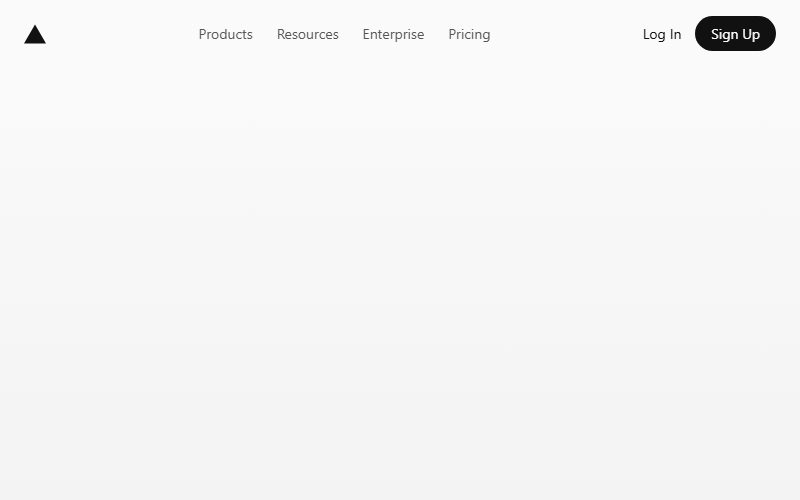
Nav starts transparent over the hero and gains a white background plus a hairline shadow past a scroll threshold. Swap the spacer block for real page content; keep the threshold under 60px so the transition reads instantly.
Want your site’s navigation blocks to look this good?
We build full sites with blocks like these.